04Web apps
Web apps & SaaS
01What you get
The whole job, done properly.
- 01Product and UX design
- 02Full-stack builds with auth and billing
- 03Admin panels and internal tools
- 04Background jobs and queues
- 05Third-party API integrations
- 06Cloud infrastructure and monitoring
02Off your plate
Things you'll stop doing.
Scroll and watch them go.
- Running the business from spreadsheets
- Exporting CSVs to send to clients
- Manual onboarding for every user
- Watching long jobs to see if they failed
03How it runs
Four steps. No surprises.
- 01
Spot
We look at how your week actually runs and list everything that repeats. That list is usually longer than anyone expects.
- 02
Plan
We pick what to build first, agree a fixed scope and a fixed price, and write it down in plain language.
- 03
Build
Design, code and test in short weekly loops. You see real progress every week, not a big reveal at the end.
- 04
Hand off
It goes live and starts doing the work. You get docs, access to everything, and us on call if anything breaks.
04Related work
Shipped, not pitched.
Web apps work that's out in the world. Open one to see the boring part it removes.
- 01Web app
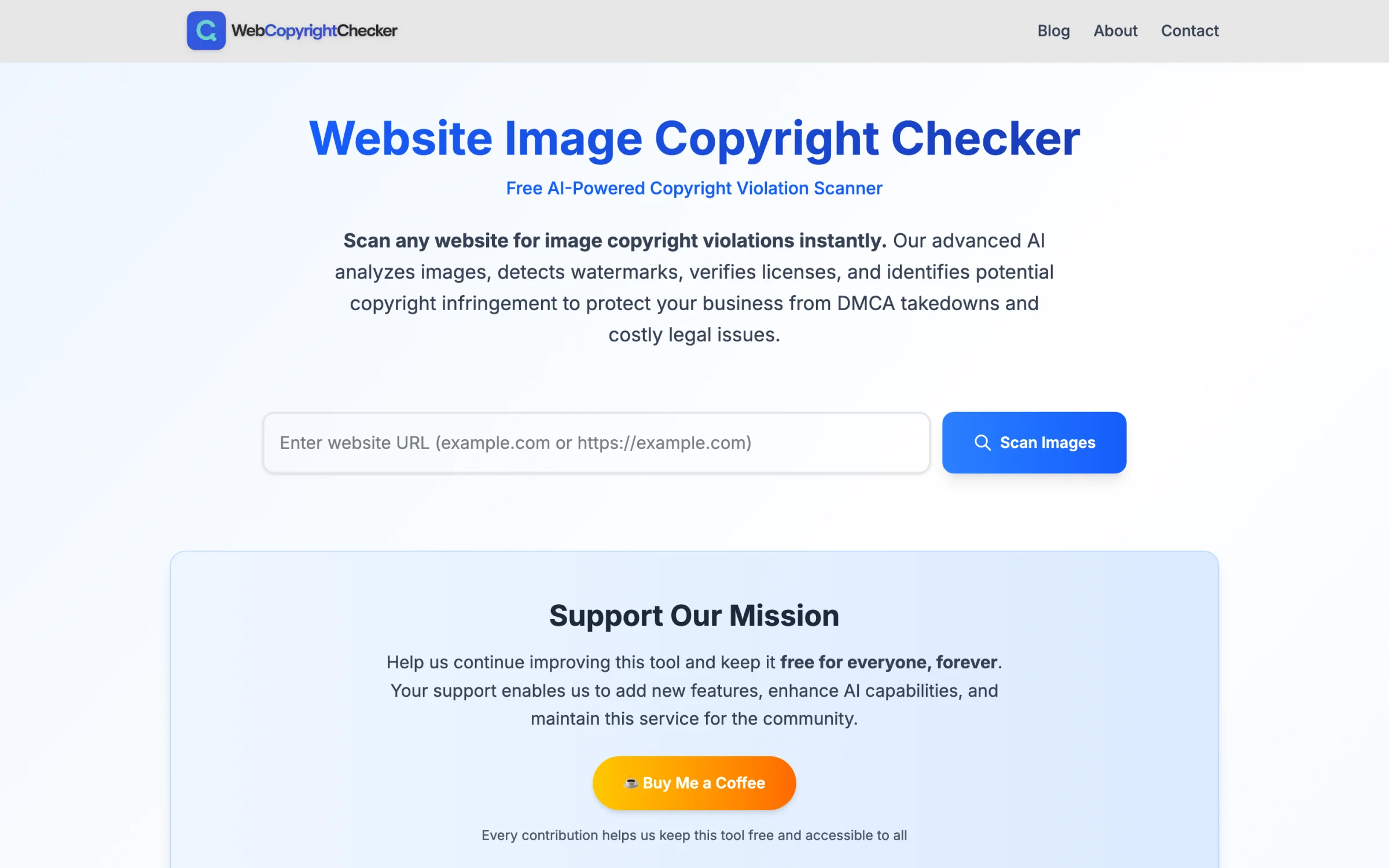
WebCopyrightChecker
Scan any website for images that could get you a copyright claim, before someone else finds them.
- AI image scan
- Watermark detection
- Compliance report
- 02Internal tool · HubSpot
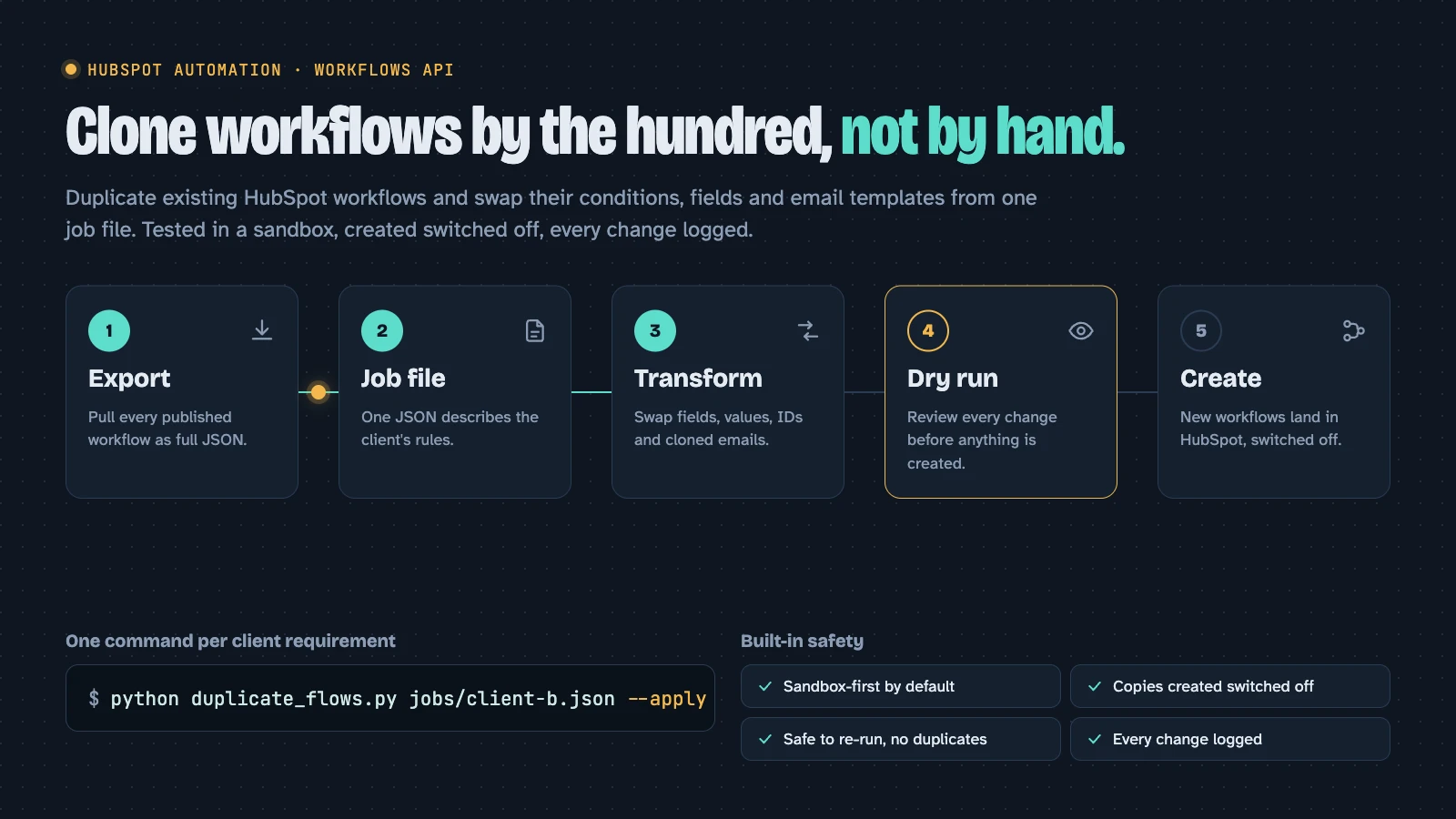
Workflow Cloner
Clones HubSpot workflows by the hundred, swapping each client's fields and emails, instead of rebuilding them by hand.
- Job files
- Dry run
- Sandbox-first
05FAQ
Web apps, briefly
Yes, and we scope it hard so the first version ships while it still matters.
You do, from the first commit, in your own repository.
Gotsomethingboring?
Tell us the part of your week you'd happily never do again. We'll tell you how we'd automate it, for free.